🔐 Password Management Made Easy for Staff! 🔒
Now, staff has the ability to change passwords effortlessly, whether forgotten them or simply want to update them for added security.
Here's a step-by-step guide for our password management:
🔑 Change Your Password:
If you need to update your password, here's how you can do it:
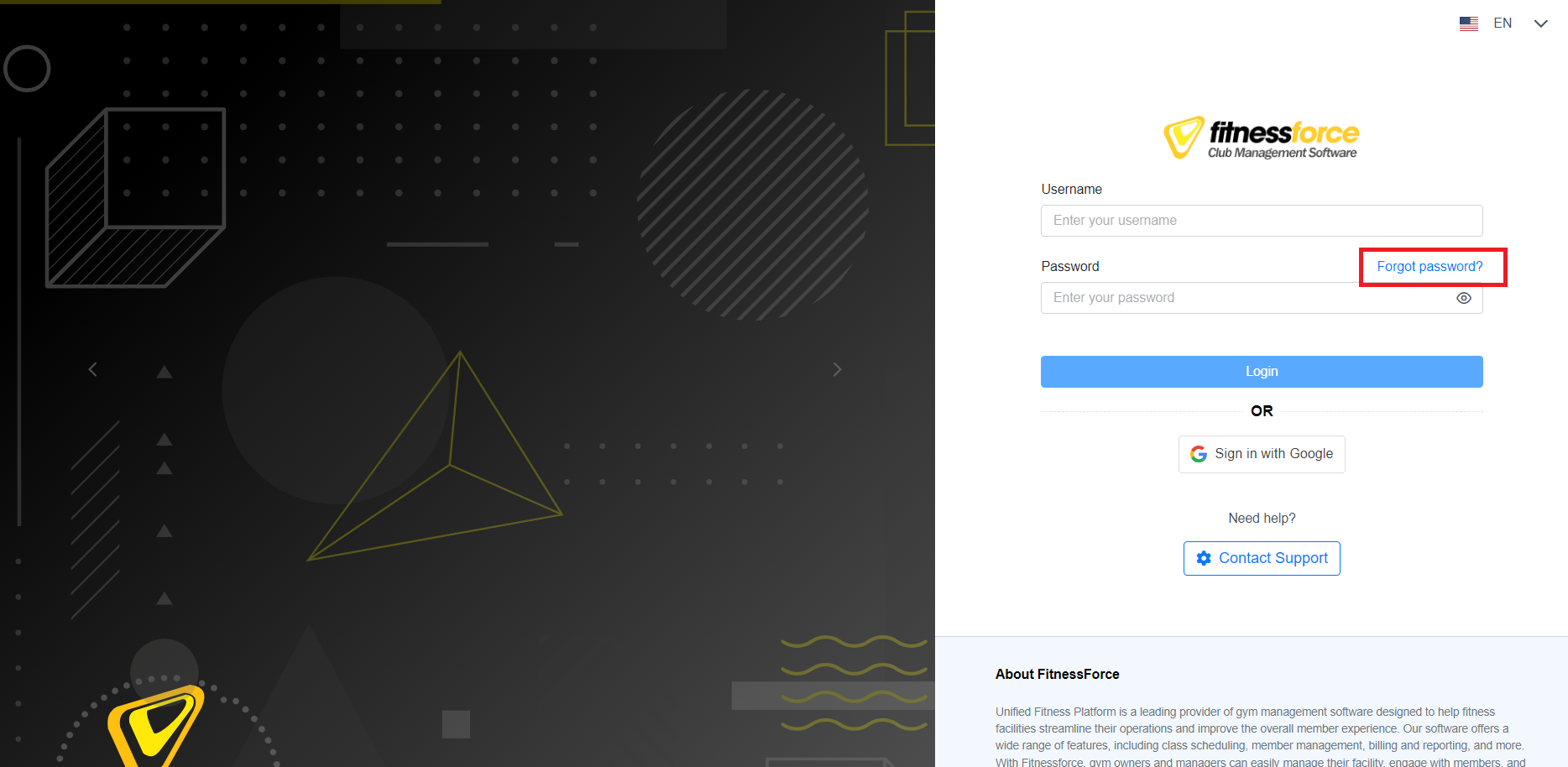
Visit the Login page.
Click on "Forgot Password."
Enter your registered email ID.
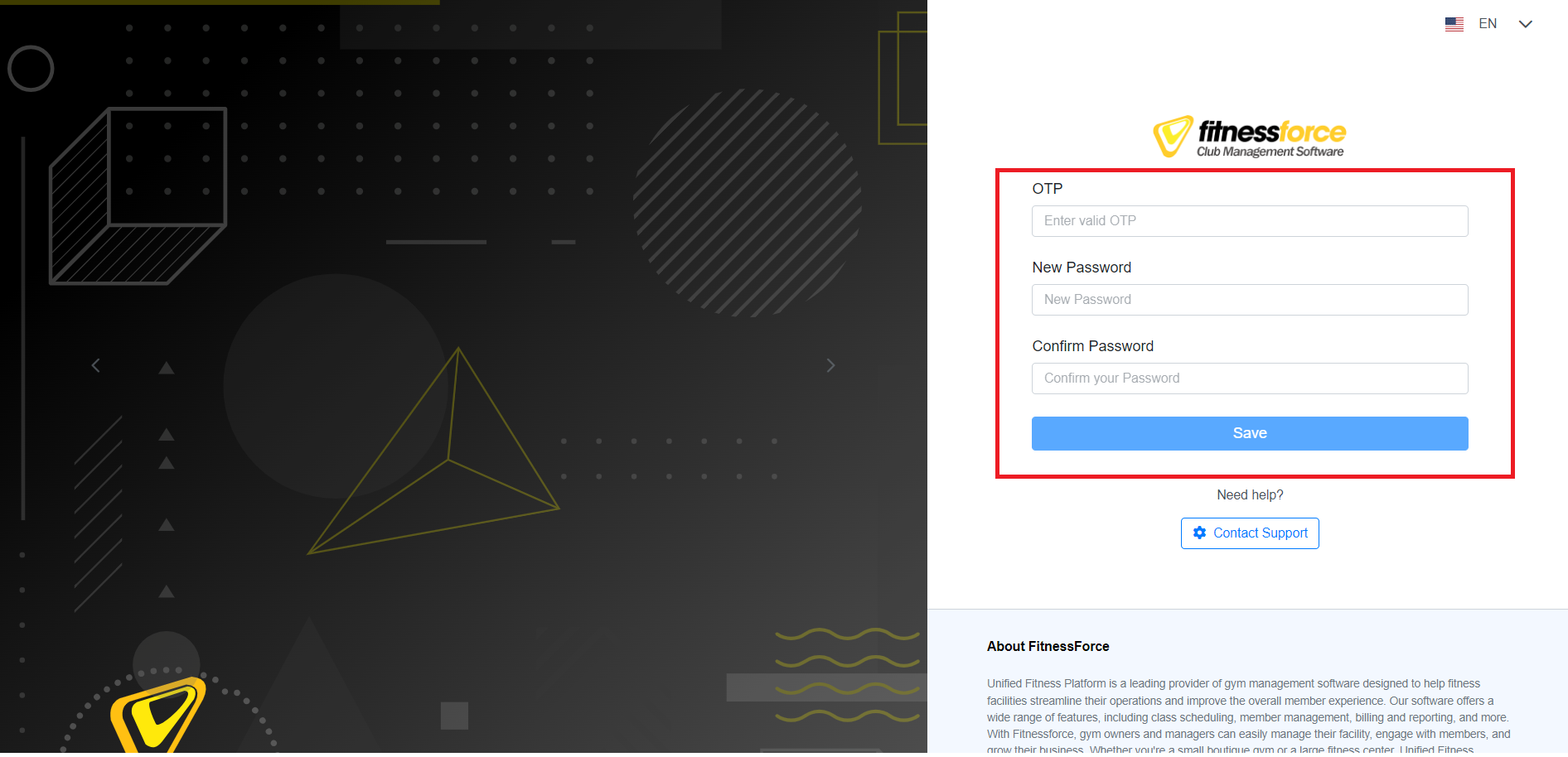
You will receive a one-time password (OTP) for verification by email.
Change your password to one that suits your security needs.
It's that simple! we've made sure the process is both secure and user-friendly.
UFP#PasswordReset #SecureAccess #UserFriendly 🌐🔒