📢 Product Update & Change log Announcement
First of all, apologies for not publishing updates regularly over the past few weeks. This update is a bit longer than usual, but it brings together all the key features, improvements, and fixes that were released during that time.
Thank you for your patience—here’s everything that’s new in FitnessForce 👇
🚀 New Features
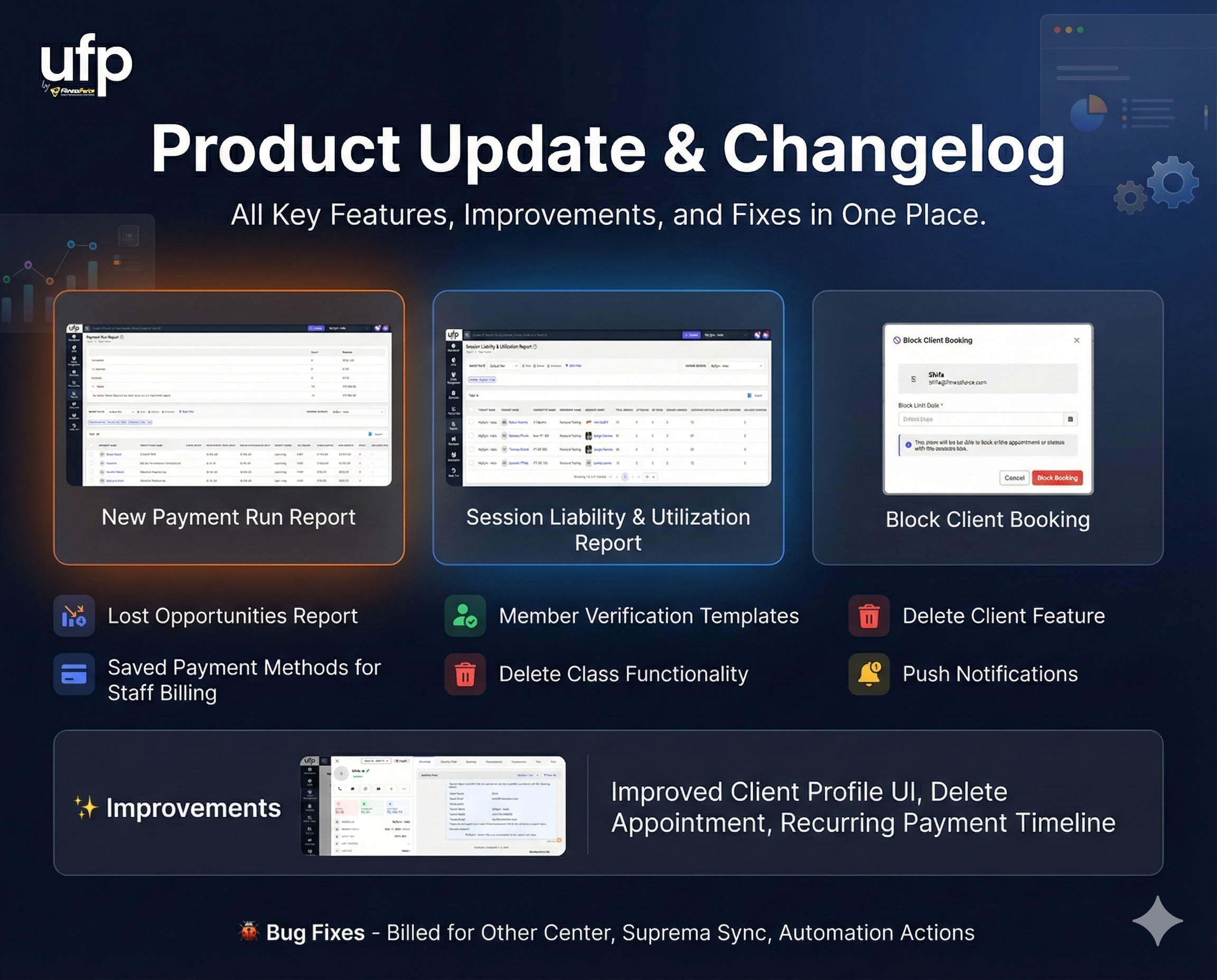
Lost Opportunities Report
A new report that helps you identify and analyze all lost sales opportunities.Member Self-Service Verification Templates
New email and SMS templates added for phone and email verification during member self-service profile updates in the member app.Session Liability & Utilization Report
Gain visibility into session liabilities and usage across memberships and services.Delete Client Feature
Staff can now permanently delete a client profile (subject to permissions and validations).Class Booking Access Control
Ability to block or unblock a client from class bookings via the member app and booking widgets.Saved Payment Methods for Staff Billing
Staff can now use a member’s saved payment methods when processing billing from the staff interface.Delete Class Functionality
In addition to canceling classes, staff can now fully delete a class when required.Push Notifications in Automation & Campaigns
Push notifications are now available as an action type for Automations and Campaigns
(Available only with white-labelled mobile apps)Payment Run Report
A powerful new report that shows:Completed payment runs (collections, failures, retries)
Upcoming scheduled payment runs
This helps answer questions like “How did the last payment run perform?” and “How much revenue is expected in the next run?”
✨ Improvements
Enhanced Client Profile Overview UI (left panel)
Added Delete Appointment functionality
Clear visual indicator for Digital Access Pass
Improved Class View UI for both desktop and mobile
Added Delete Keyfob option in the add/update keyfob flow
Improved Recurring Payment Timeline to show in-progress payment attempts
Better visibility of Recurring Token Health Status
🐞 Bug Fixes
Fixed issues with “Billed for Other Center”
Resolved Suprema face template sync issues when multiple templates exist
Fixed an issue when editing actions in existing automations
As always, we appreciate your feedback and encourage you to share thoughts or requests through the feedback portal. More frequent updates are coming—stay tuned! 🙌